

We rebuilt the way Gurwi cites its sources. Now you choose which documents a class draws on and whether it can also use the web, and every citation shows the exact passage and the page it comes from. It works the same in the app and on the web.
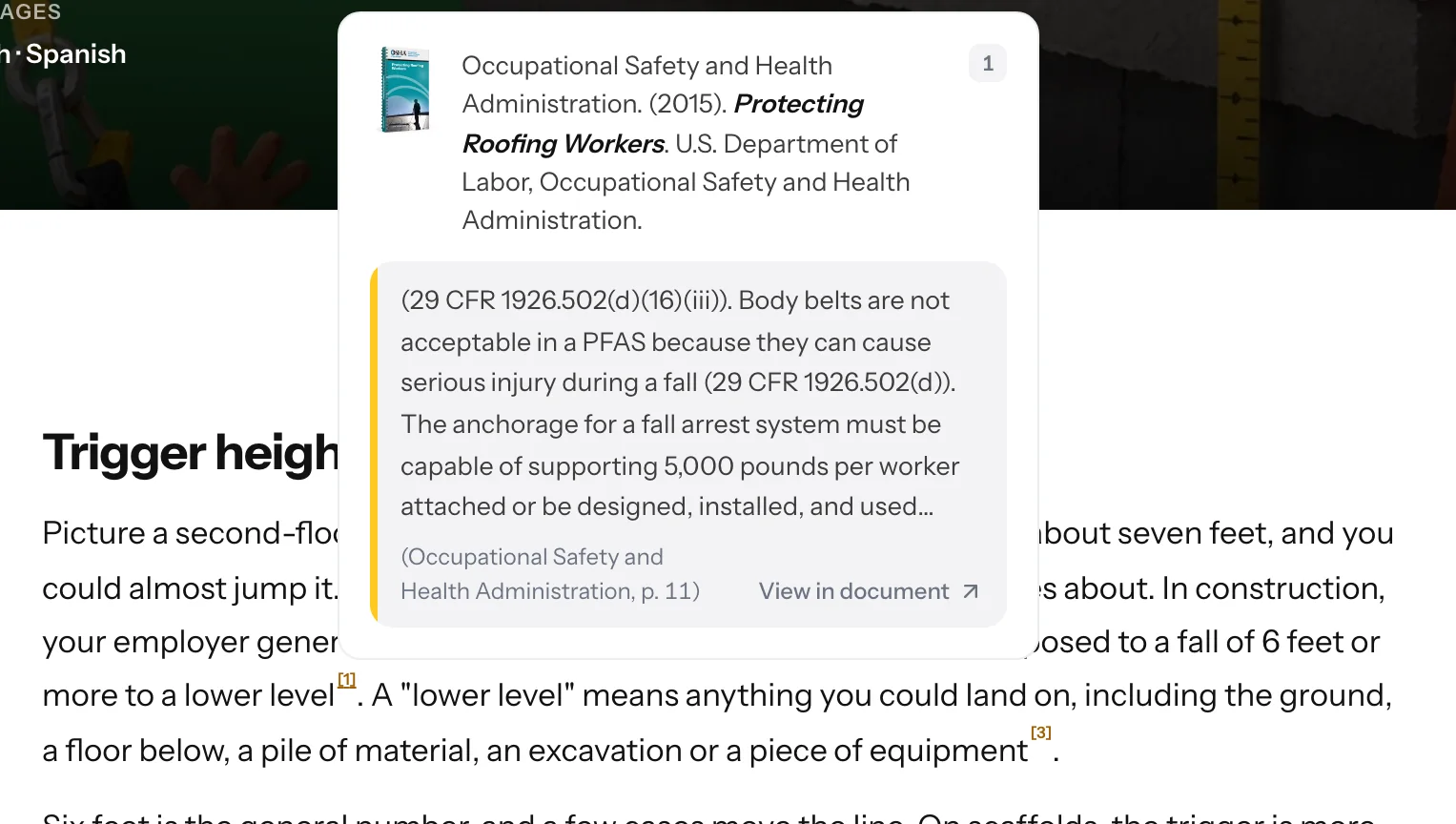
To show it off, we uploaded four OSHA manuals to Gurwi — OSHA is the U.S. federal workplace safety agency — and asked for a class for new workers on a construction site about how to prevent falls. The manuals are in the public domain, so the class can display them in full. The class includes a sentence saying that the employer must provide fall protection when someone works exposed to a fall of six feet or more. At the end there's a small number. If you tap it, Gurwi opens the reference to the manual Protecting Roofing Workers, the passage that supports the sentence, and the page it comes from, page 11.
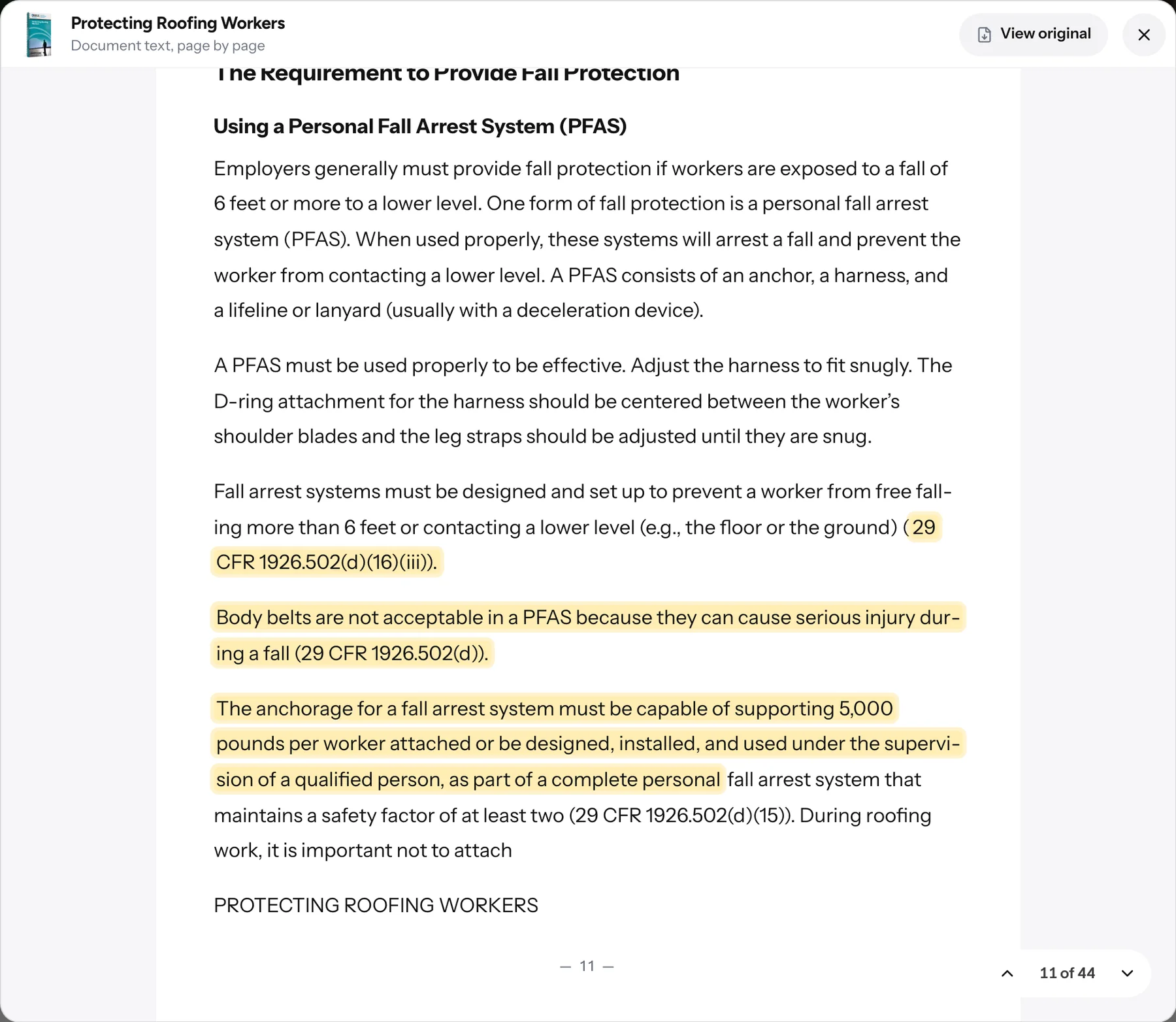
One more tap on "View in document" and the manual opens on that same page, with the cited passages highlighted in yellow.
You choose where the content comes from
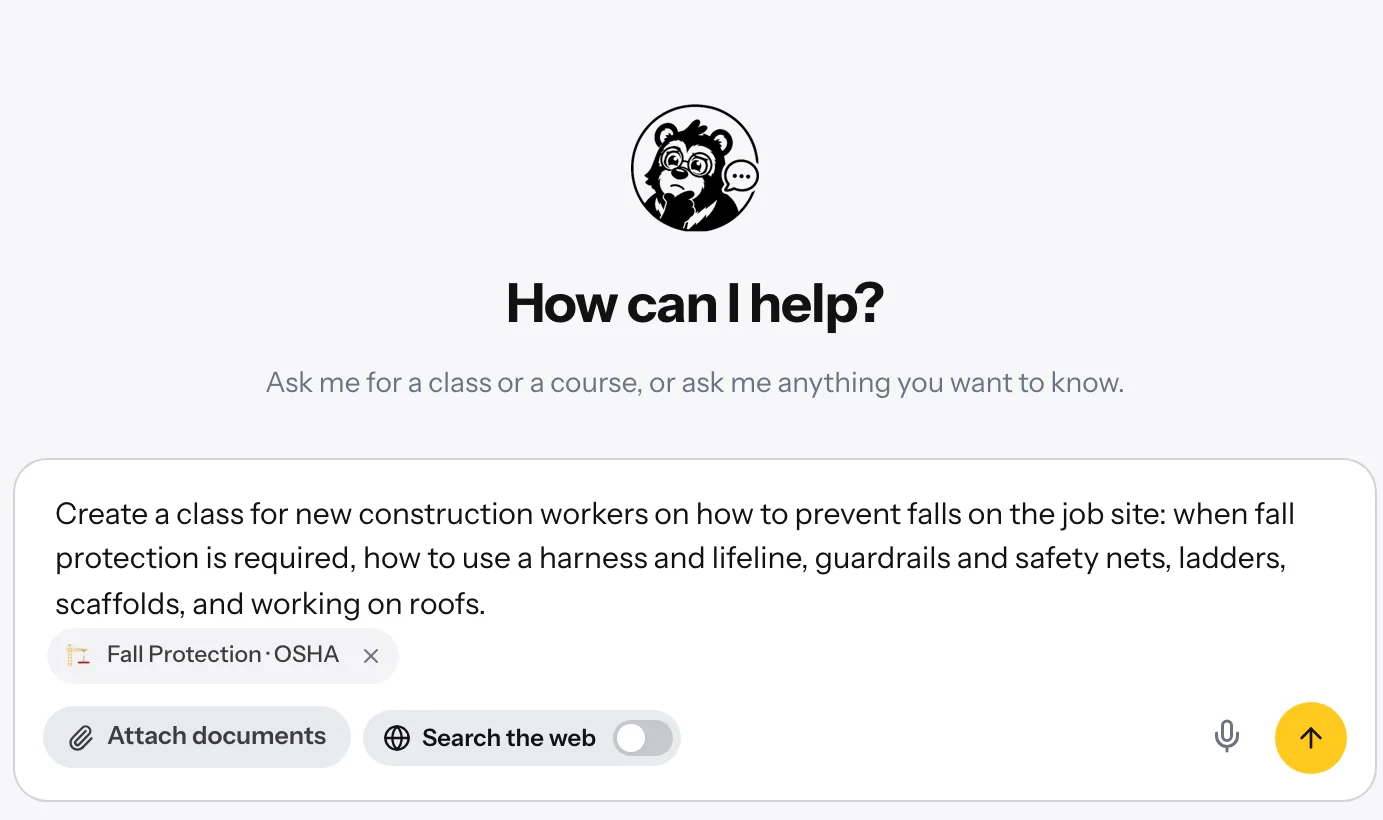
When you ask Gurwi Agent for a class, you can attach individual documents or entire groups from your library. Next to them is the Search the web toggle, and those two decisions define how the class is built.
The OSHA class came from the first option, using only the four manuals.
Only your documents. You attach the material and turn the toggle off. The class comes only from what you uploaded.
Your documents and the web. You leave the toggle on and Gurwi supplements your material with web sources, also cited.
Only the web. You ask for the class without attaching anything and Gurwi researches on the web.
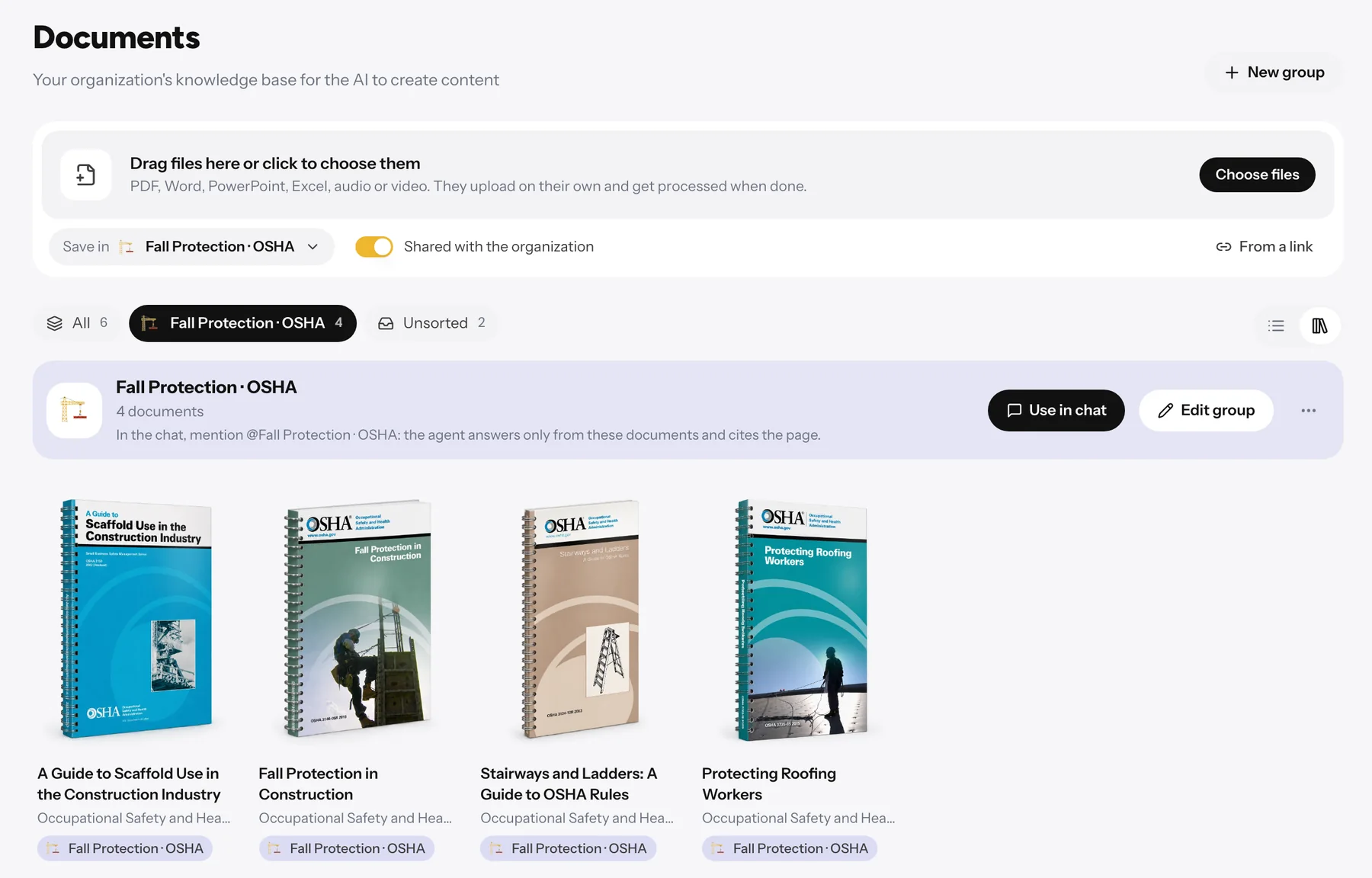
Your documents, on a shelf
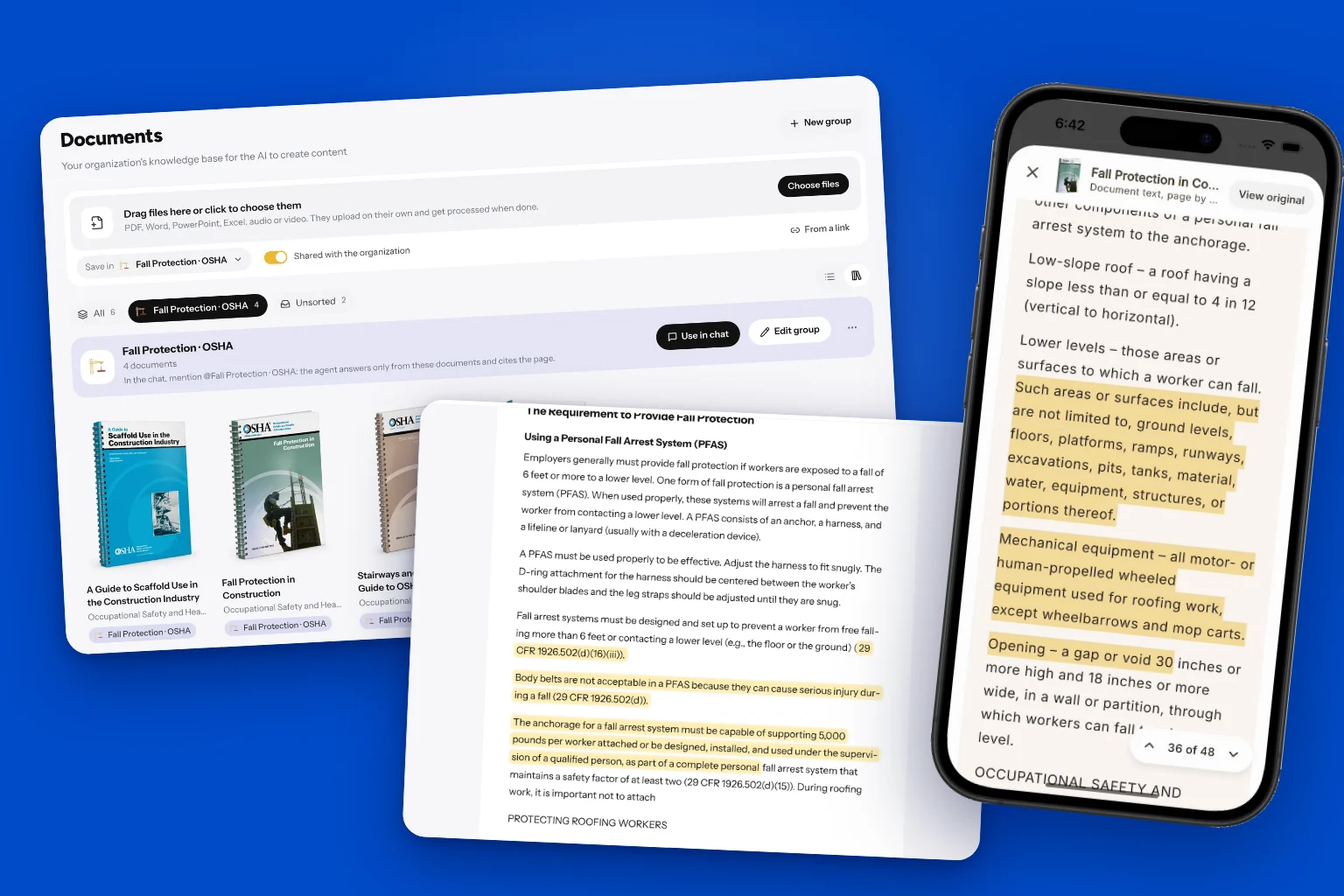
Documents live in Resources → Documents. You upload them by dragging them in (PDF, Word, PowerPoint, Excel, audio, or video), organize them into groups, and each one gets a 3D cover and a bibliographic record with title, authors, publisher, and year. Gurwi builds that record by reading the first pages, confirms it on the web when it's a published work, and you can correct any field. From it, Gurwi builds the APA 7 reference that students see.
Every citation leads to its passage
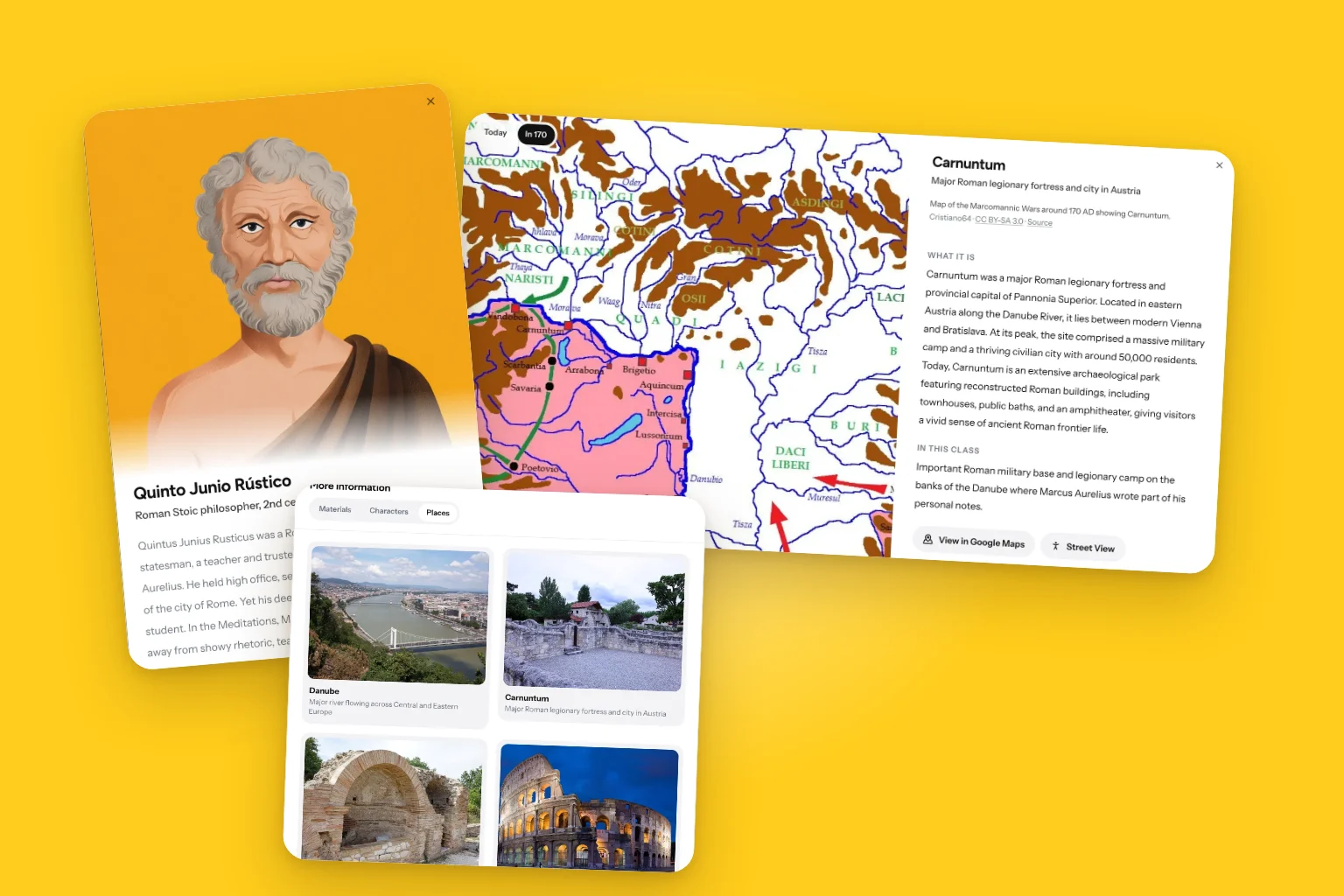
Inside the class, every supported statement carries a number. In More information → Materials the class gathers all its references, how many times it cites each document and on which pages, and expands each passage with its page and a link to open it in the document. The class on falls cites Fall Protection in Construction 12 times and Protecting Roofing Workers 10 times.
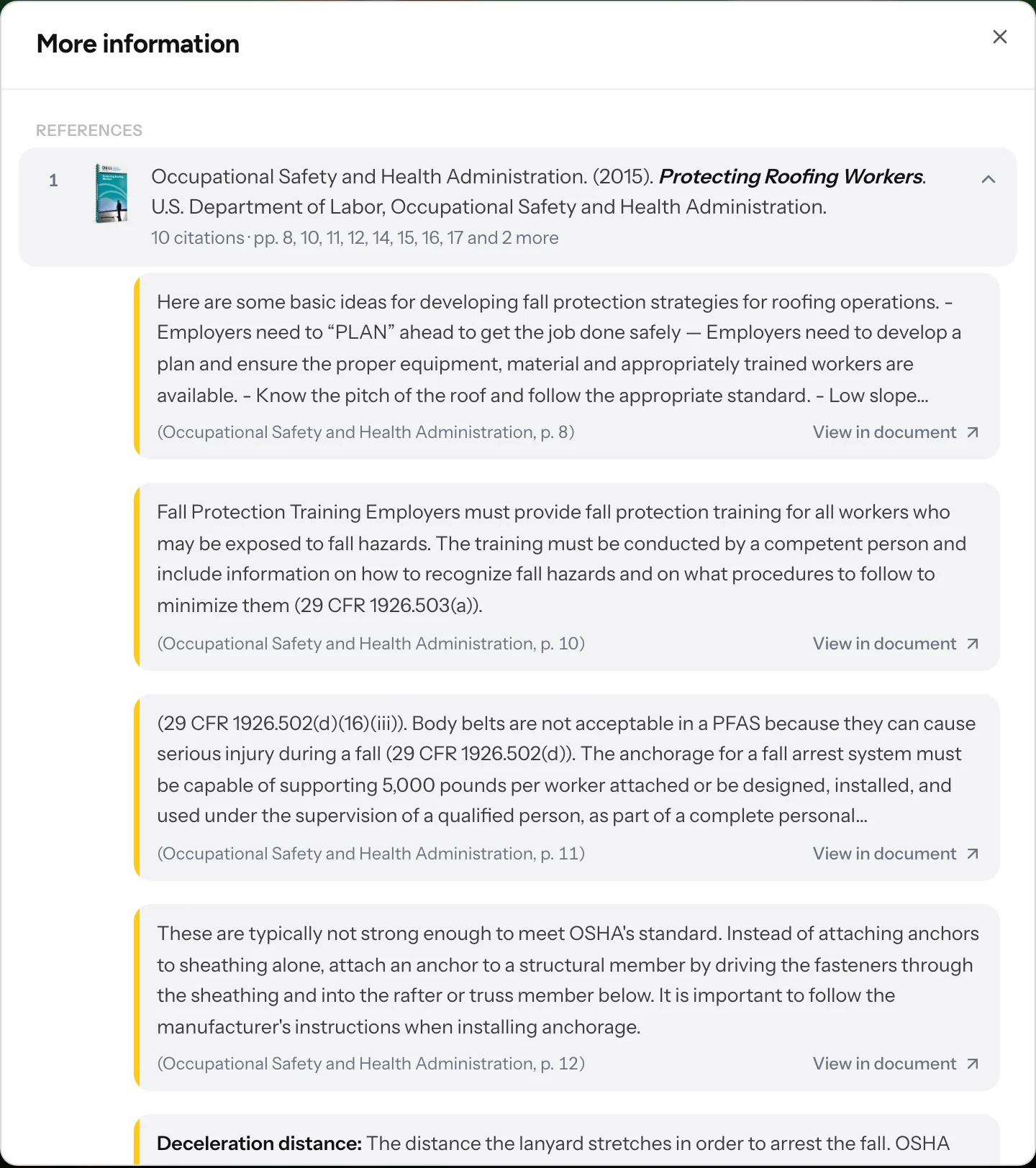
The same happens in the app. You tap the number, read the passage, and open the manual on the exact page.
You decide how much the learner can read
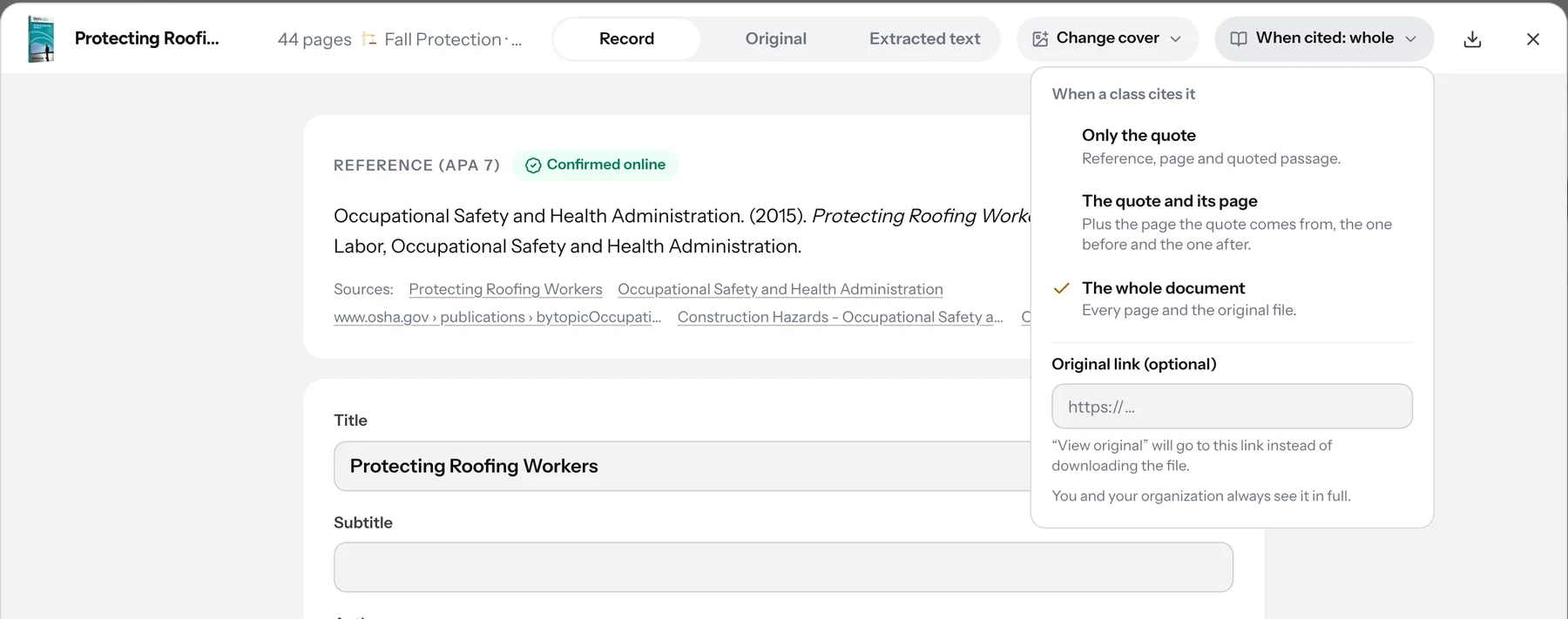
Each document has a setting called When a class cites it, with three levels.
The person who uploaded the document and their organization always see it in full. You can also add a link to the original, and then "View original" goes to that page instead of downloading the file. If a book is copyrighted, just leave it on the first option. And if you ever delete a document, the classes that cited it keep their reference and the cited excerpts.
Only the quote. The reader sees the reference, the page, and the cited excerpt.
The quote and its page. They can also read the full page of the citation, plus the one before and the one after.
The whole document. They can read every page and download the original file.
The manual in English, the class in Spanish
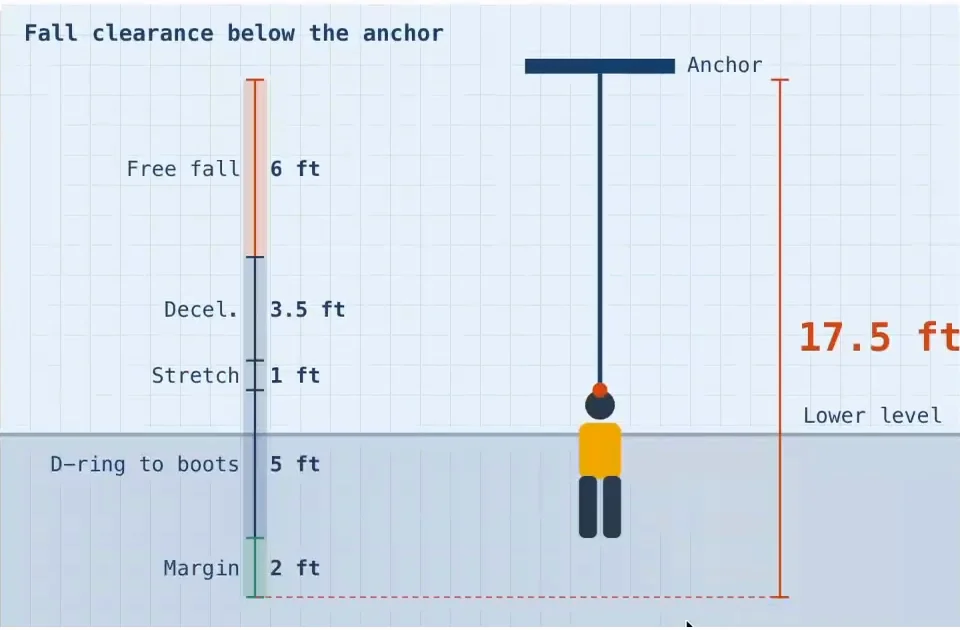
The OSHA manuals are in English and the class was generated in English. With the translate button it also came out in Spanish, and the citations still point to the original passage in the manual. That's exactly what a construction company needs when its crews speak Spanish and its manuals don't. Besides text and citations, the class built a fall distance calculator where you choose the type of lifeline and the platform height, and see whether the worker can stop before hitting the level below.
Why we built it
We want Gurwi's catalog to grow with classes anyone can trust, because every statement leads to its source and anyone can check it. And we want to offer the same tool to companies and educational institutions that want to turn their own material into classes — whether it's the safety manual, the internal policy, or the course textbook — without losing sight of where each fact comes from.
If you want to try it with your organization's material, Gurwi for companies and Gurwi for educational institutions show you how to get started.
Frequently asked questions
How do I know where each statement in a class comes from?
Every supported statement carries a number. When you tap it, Gurwi shows the reference, the exact passage that supports it, and the page it comes from. In More information → Materials you can see all the class's references, how many times it cites each document, and on which pages.
Can I choose for a class to use only my documents and not the web?
Yes. When you ask Gurwi Agent for a class, you attach your documents or document groups and turn off the Search the web toggle. That way the class comes only from what you uploaded. If you leave it on, Gurwi supplements your material with web sources, also cited.
What happens if the document I cited is copyrighted?
Each document has a setting called When a class cites it with three levels. If a book is copyrighted, just leave it on the first option, Only the quote, so the reader sees only the reference, the page, and the cited excerpt.
Can I translate a class without losing the citations to the original document?
Yes. With the translate button, the class appears in another language and the citations still point to the original passage in the manual. In the example, the OSHA manuals are in English and the class was generated in English, and when you translate it into Spanish the citations still lead to the original passage.
What happens to the citations if I delete a document?
The classes that cited that document keep their reference and the cited excerpts. That way the class content doesn't lose the backing of its sources even if the file is no longer in your documents.